We really didn’t know what to expect with the Osmo kit as we haven’t used many app or learning devices and I have to say we were all speechless as to what it can do! Wow! It really is more than a learning resource, it is clever, engaging, ideal for home learning and it is like an amazing magic trick!
Click here to go to the Osmo Genius Starter Kit
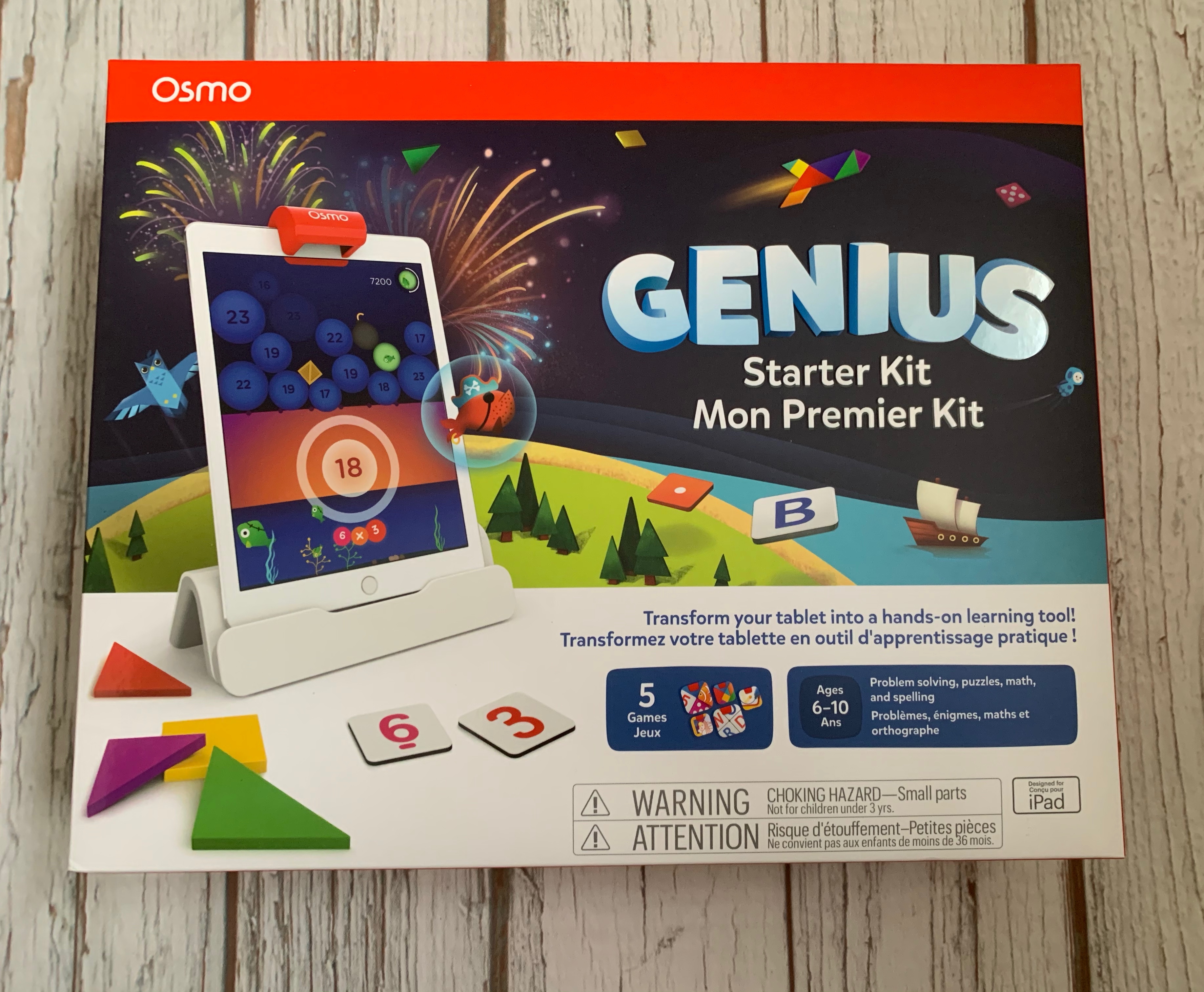

The Osmo Genius Starter Kit is “digital learning in the real world” Hands on, interaction between the digital learning on the screen, this is absolutely not just a learning app, this is way more than that!
Even before trying the Osmo system, just opening the box is a delight! The box design is so clever and even turns into an astronauts helmet!


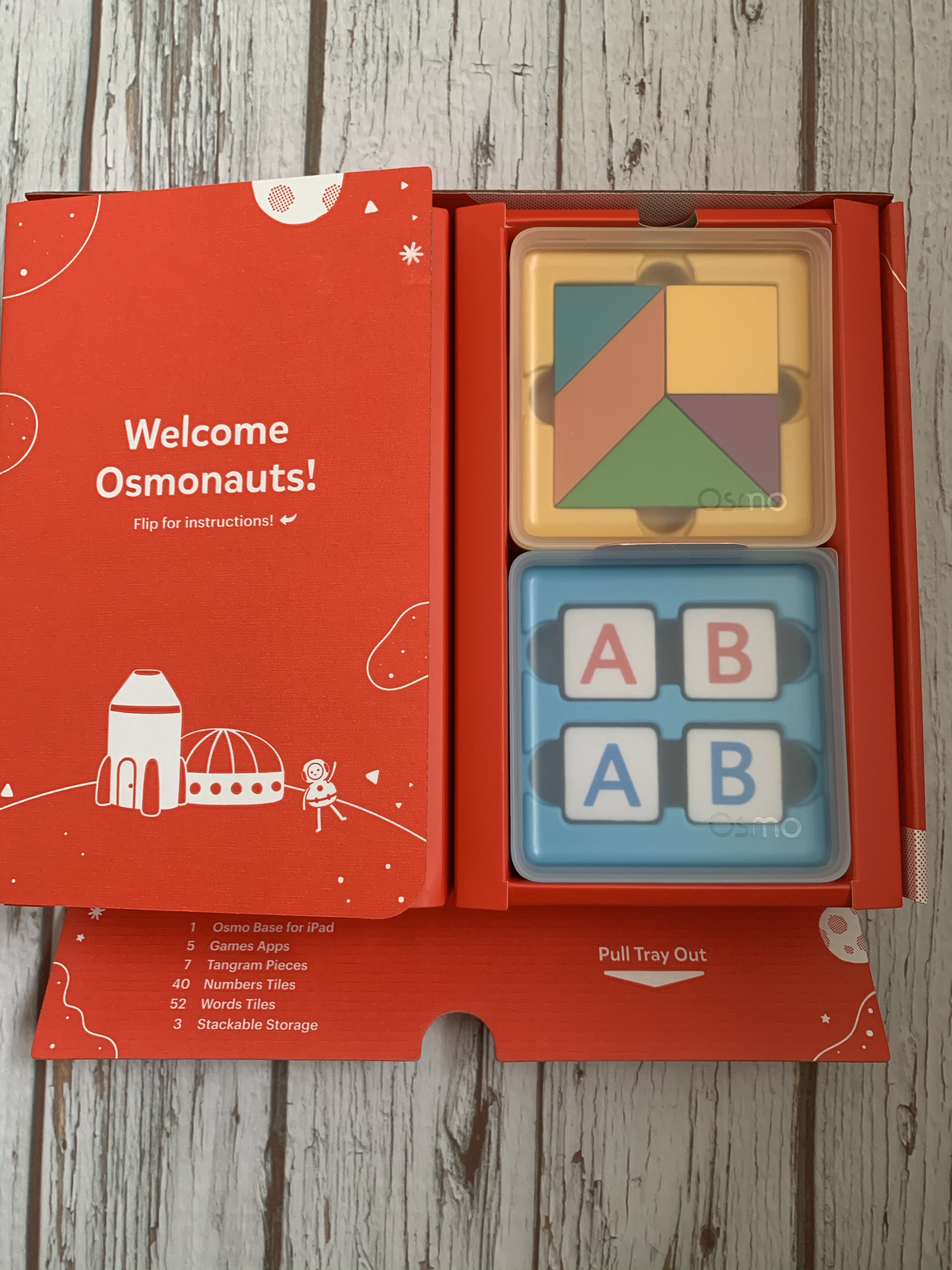
All the pieces inside are also in their own little sturdy, stackable Osmo boxes-always a bonus to keep all the pieces safe. Also love that even the boxes are labelled-every detail has been so well thought out. The Genius Kit includes the all important Osmo stand and mirror piece for your tablet and boxes containing letters, numbers and tangram shapes.
How does it work?!
The tablet stands in the Osmo stand with a clever little mirror piece that sits over the camera. By allowing access to your camera it can then see what you are drawing, writing, the numbers and shapes you put forward and react to them on screen-it is incredibly clever!
There are various activities you can use on the main Osmo app depending on the kit you have. There is a space rocket theme on the app with a main cockpit control centre from where you can choose your activities.
Tangram shapes
There are various levels of difficulty to choose from, we started at easy to see how we got on! On screen you see a shape made from the tangram pieces and you need to lay them out exactly as on the screen. When you have a piece correct it knows instantly, (including colour!) and blocks it out on screen! When you get it correct the shape is animated and you move on to the next shape.
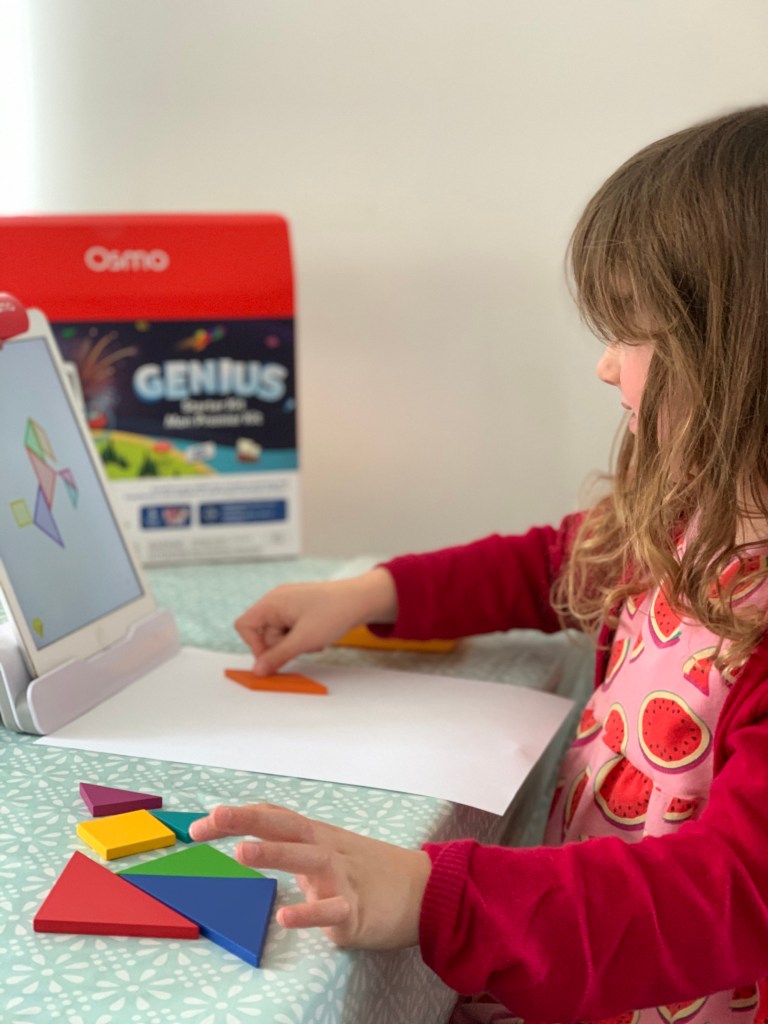
On the easiest level the shapes you see on screen are coloured as per your own shapes, as you move through the levels they get more difficult and you can’t see the shape colours or outlines. You can use gems you win to give you clues if you get stuck.
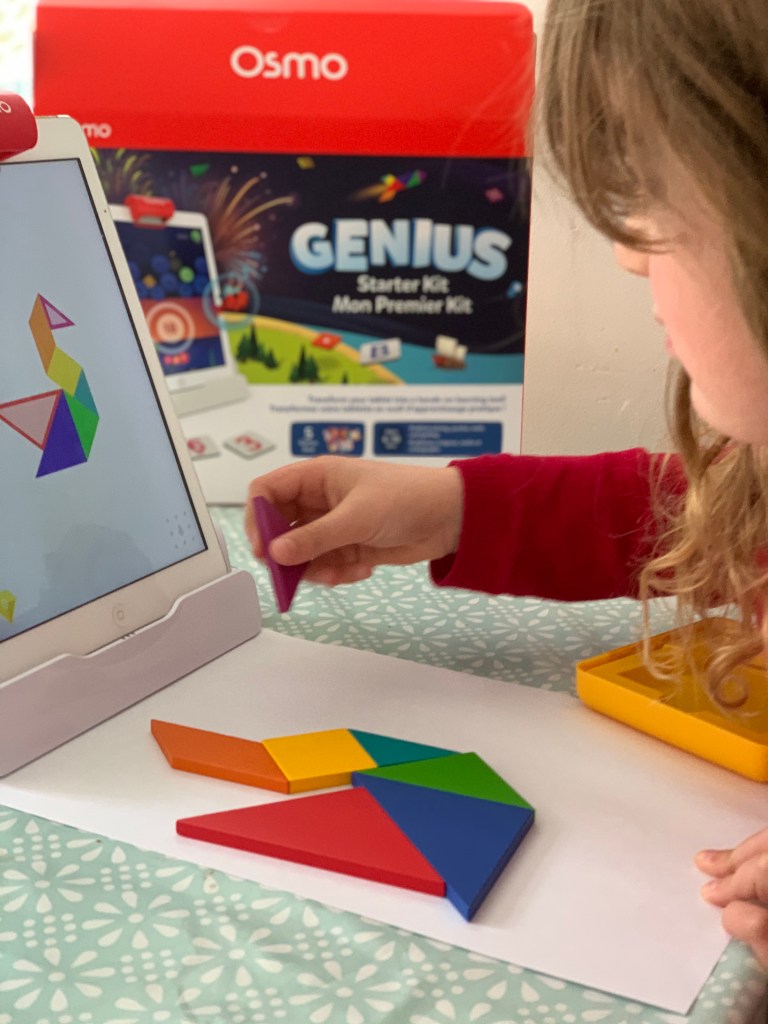
This is an excellent learning activity. My six year old at first struggled to identify how to orientate the shapes and how they could be turned over to create the correct shape. I can however see her improve the more she plays with the Osmo which is excellent!

Numbers
There are both number counters and dice counters to use. One of the activities involves bursting bubbles by using the dice counters to lay out the number in the bubble, it then bursts to allow fish to drop down into the sea below. Using the dice counters this is great for number recognition and addition.
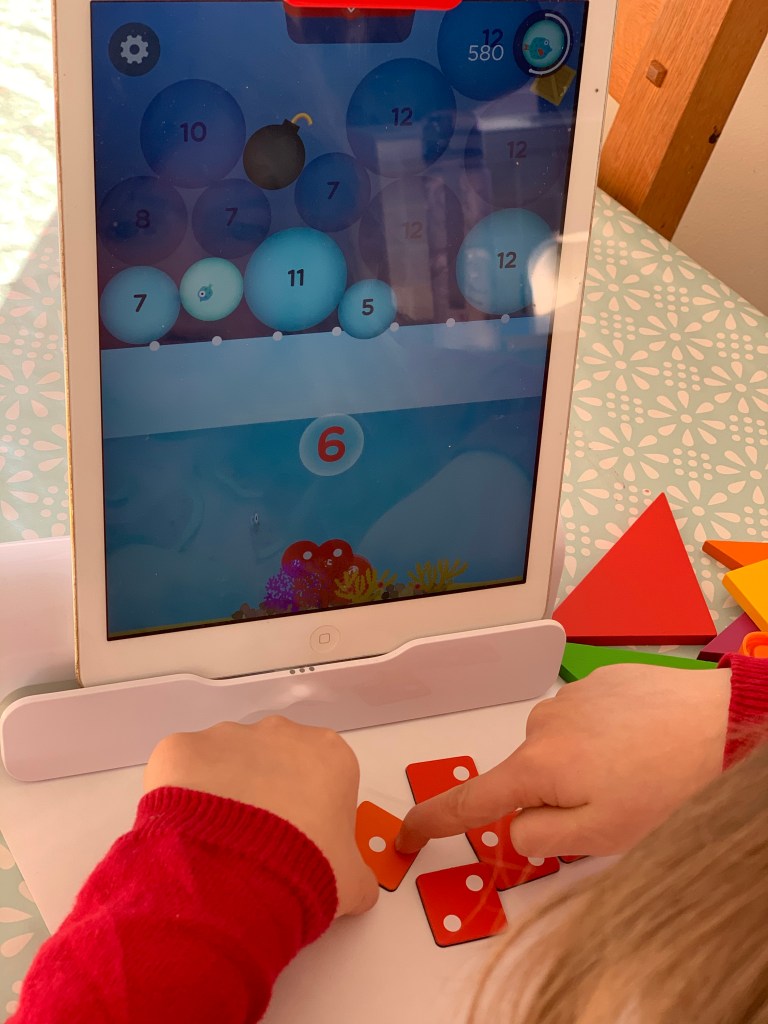
As you progress through the levels the numbers you need to create get higher and higher which is excellent to really test your child’s skills. My daughter loves this game, especially when several bubbles burst together and the rainbow fish! The graphics and the way the game flows is absolutely brilliant. Once a level is completed on the main screen it shows how you progress onto the next level.

Letters
The letters box that comes with the genius kit includes red and blue letters as there is an option to play against another player too. There are four play options.

Objects appear on the screen and you have to put down in front of the Osmo the correct missing letters which it will then add on screen. You can choose the difficulty level based on your child’s ability and how much you want to push them. The harder it is obviously there are longer, more tricky words with less letters already in place.

My nearly four year old son joins in with this game and the easiest level is definitely suitable for him. It is great to watch them enjoying playing this game together, my daughter helping my son find the correct letters.


There is an option to play against another player too which is great! They also enjoy the adventure option playing with an Osmo character and moving through the various Osmo landscapes.
Masterpiece
My daughter absolutely loves drawing and has started copying pictures so this is an excellent activity. You can choose a picture from the Osmo library or even a photo you may have, it is then converted into lines on screen. The camera on your tablet records your hand movement as you draw over the lines on the tablet screen onto paper. This took a little getting used to but the results are brilliant! You can do very complex shapes as you get better!
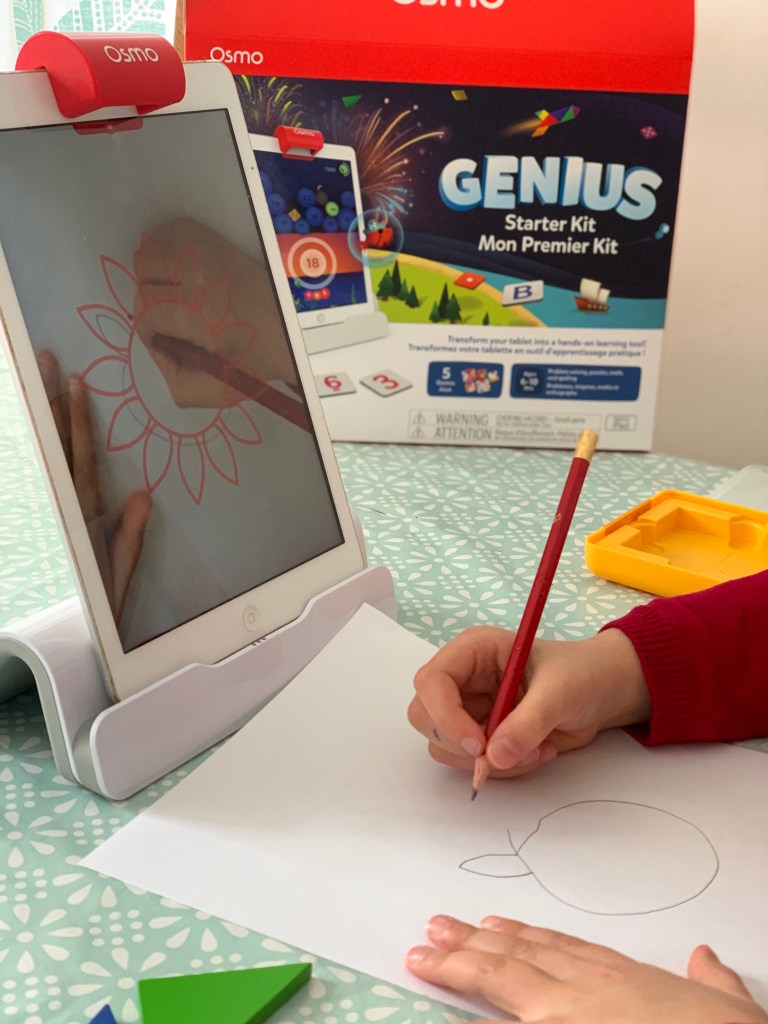
Once finished you take a photo of your drawing and you can even email it to someone if you wish. The Osmo also takes a slow mo video of you doing your drawing which is fantastic to be able to watch you creation come to life!

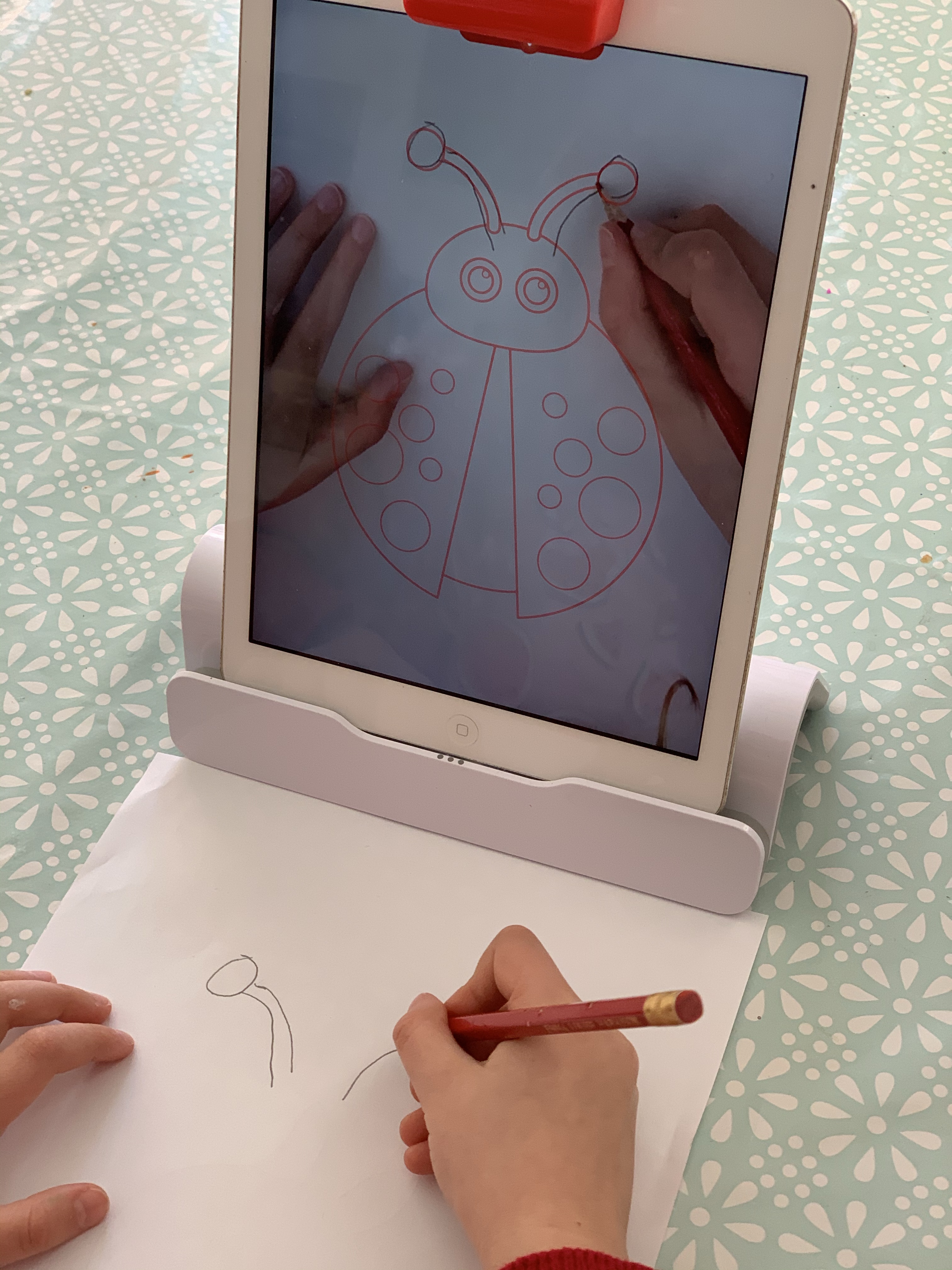
You can change the colour and thickness of the lines you need to draw over and also add background colour too for you to complete your picture.

Monster
This is so incredibly clever and really magical for the children-they love this!
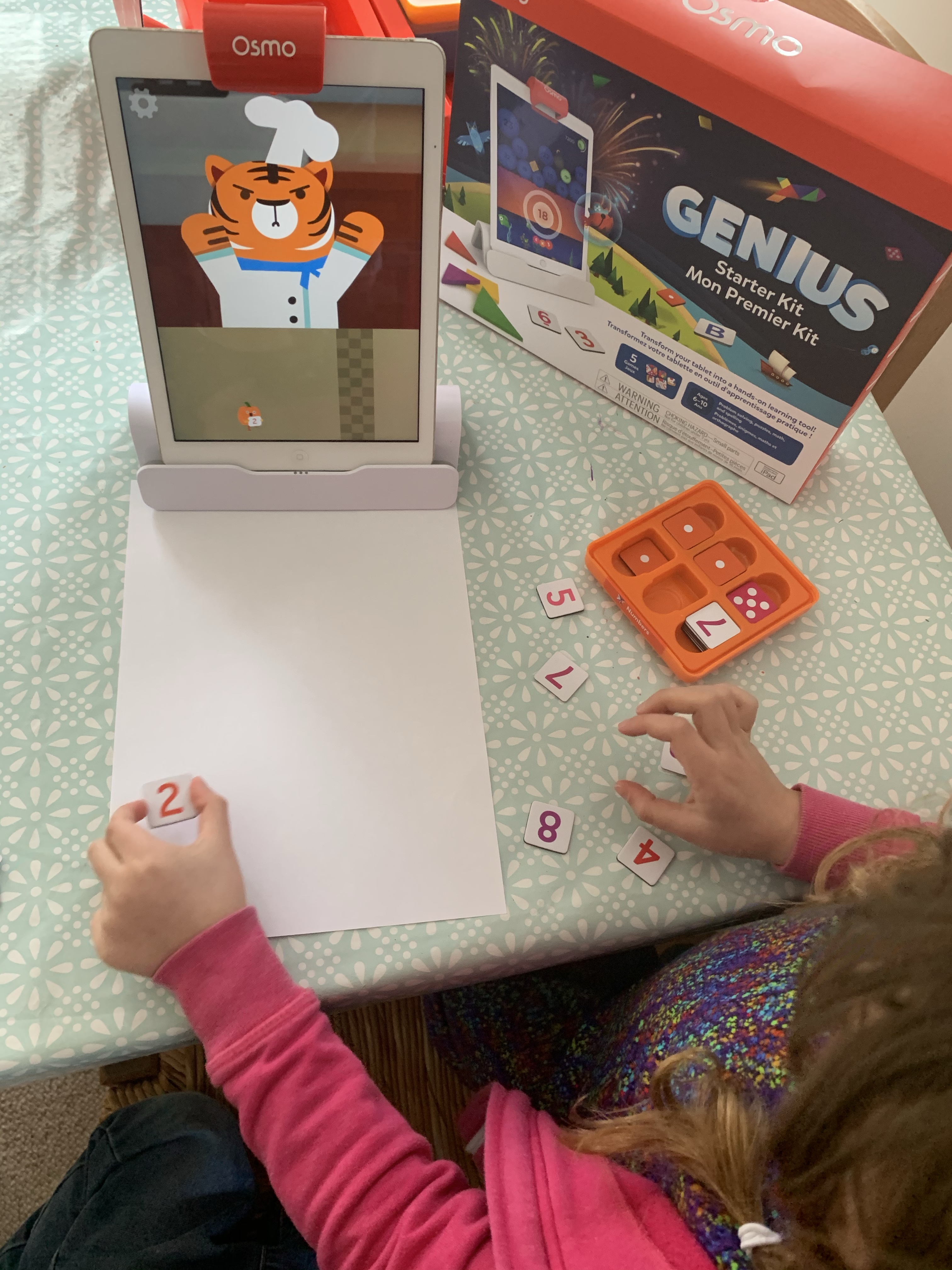
There is a cool monster that talks to you on screen and it really feels like you are having a conversation with him! You can choose a scenario such as the map and exploring and the monster takes you on his little adventure. Along the way he needs certain items so asks you to draw them. You draw them on a white board or white paper in front of the Osmo screen. Then the amazing part, he might reach down and drag the item from your page into the screen! He will have the drawing you have just done on screen! Really brilliant!
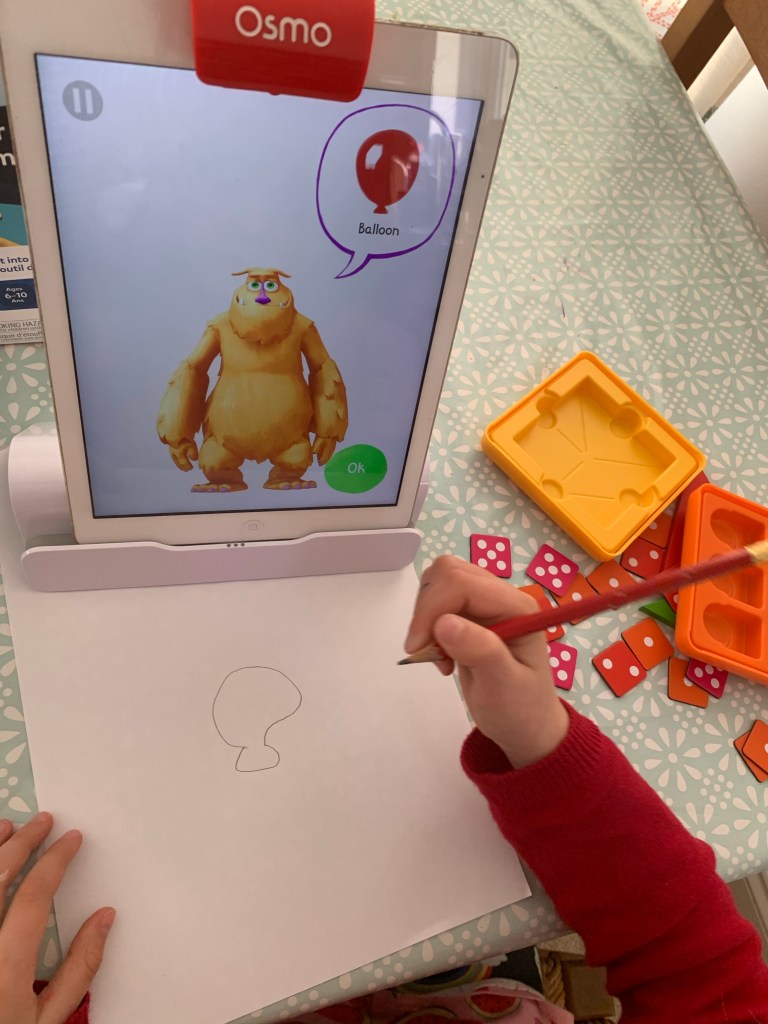
Both children love this and the nearly four year old can join in too drawing the objects for the monster, he loved seeing the monster juggling his carrot!

Newton
This uses some difficult theories to understand but in a fun way! (I really enjoyed playing this!). There are two options bounce and roll.
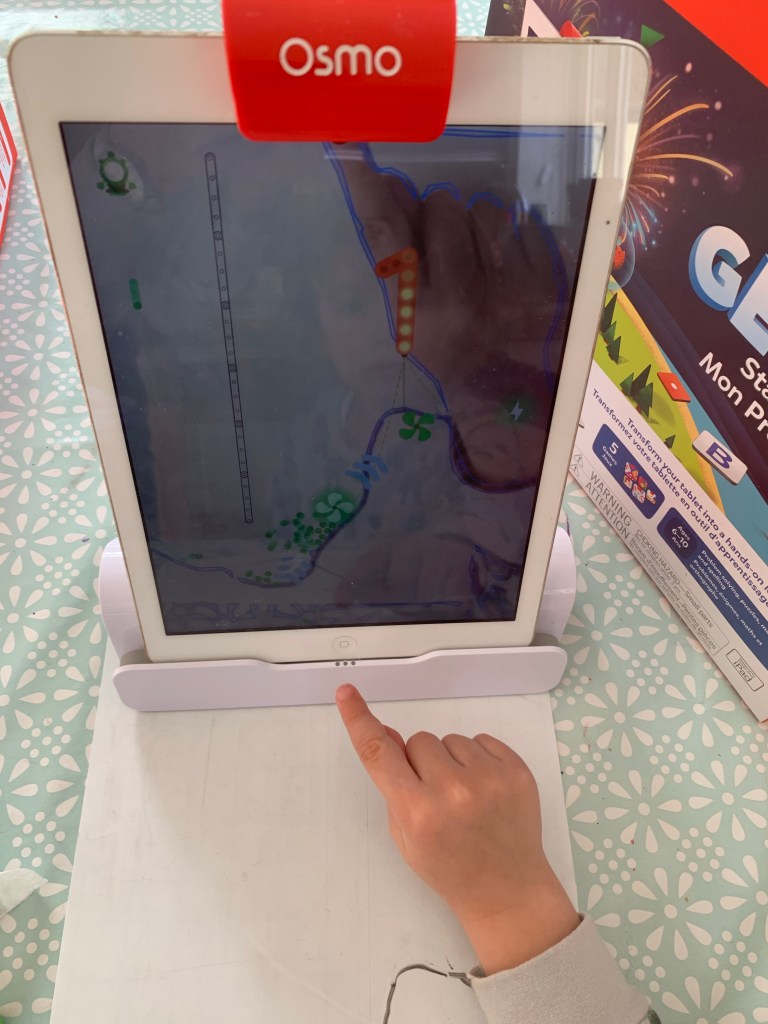
In Bounce you have to draw lines on your board to deflect a bouncing ball in order to hit certain points on the screen. You have to work out where to draw the board and at what angle to deflect the ball on screen. You can easily run the line out and redo in order to bounce the ball correctly, constantly learning as you go along. As you progress the boards required to hit the targets get more complicated!
In Roll you have to draw lines for the balls to follow to the destination, over and using obstacles. An excellent game that ensures the accuracy of the lines drawn and uses the children’s problem solving skills!
My children are not ready for the more advanced levels yet but this is excellent introducing these important principles and a fun and “live” game at with which to learn-brilliant!
Arcade
As you complete activities you win stickers and vouchers to buy further stickers. You can enter the shop and choose from loads of different stickers to add to your scenes. There is also an arcade area! These are further app activities including baking, fireworks and a vegetable run to enjoy! Some are included with the Genius Kit and some are extra apps to purchase.
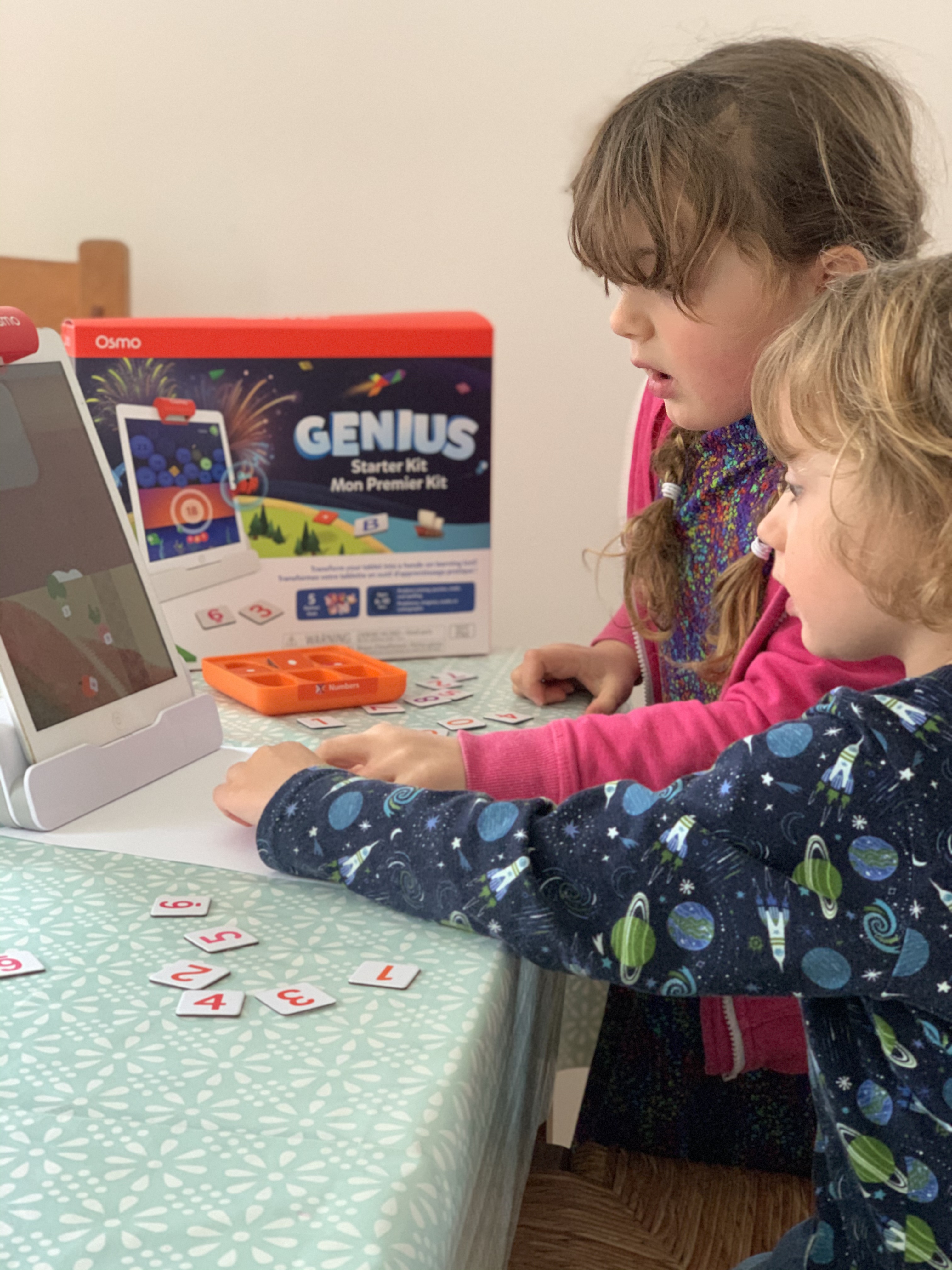

You can purchase various add ins for extra Osmo games and learning and based on our experience I would be happy to add to our Osmo portfolio!
You can create different profiles for each children as you receive feedback on their progress. You receive a weekly email saying what activities they have completed and how long they have spent on the Osmo, which is always good to know! There is also an Osmo Parent app where you can see more detailed information.

The Osmo is absolutely brilliant. This is not simply a learning app, it is far more than that. It is engaging, entertaining, fun and with learning too. This keeps the children interested and can play together, I know the content is excellent and that they are learning too. This is perfect for homeschooling, being fun and engaging the children-hands on interactive learning.
I am as fascinated with the Osmo as the children, this is such an ingenious kit that is so well animated, excellent quality and extremely appealing to the children. This is most definitely going to be thoroughly enjoyed and we can add to it so we can use more of these incredible interactive real-world games!


 Just A Normal Mum